Platform path finder
Palworld save file location for Steam, Game Pass, Steam Deck, and servers.
The Palworld save file location depends on platform and hosting layout. Steam stores a readable WorldID folder with Level.sav and Players, PC Game Pass stores opaque WGS containers, and dedicated servers use a path relative to PalServer or a mounted volume. Stop writes and copy the complete candidate folder before inspecting it. The newest timestamp is only a clue; file roles and player evidence should confirm the correct world.
Open a save to see its world summary
We will identify the files, version clues, completeness, and tasks available for this exact input.
Compatible PlZ Beta worlds can expose named players and Pals; unsupported formats receive diagnostic evidence.Quick answer
Palworld save file location: what to know first
- Steam Windows: `%LOCALAPPDATA%/Pal/Saved/SaveGames/<SteamID>/<WorldID>/`.
- PC Game Pass: `%LOCALAPPDATA%/Packages/PocketpairInc.Palworld_ad4psfrxyesvt/SystemAppData/wgs/`.
- Dedicated server: `Pal/Saved/SaveGames/0/<WorldID>/`, adjusted for the host or Docker volume mount.
- Always copy the complete candidate folder before opening an editor, converter, or repair tool.
Palworld save file locations by platform
Paste the Windows paths into the Run dialog or File Explorer address bar. On a server, start from the PalServer installation or hosting panel and follow the mounted data volume. Copy the folder you find before changing permissions, names, or contents.
A WorldID folder is normally a long identifier. Inside a Steam or server world, Level.sav is the main world file and Players contains per-player records. LevelMeta.sav and WorldOption.sav may also be present. Game Pass does not expose that structure directly in filenames.
| Platform | Path | What to copy |
|---|---|---|
| Steam on Windows | `%LOCALAPPDATA%/Pal/Saved/SaveGames/<SteamID>/<WorldID>/` | Complete WorldID folder |
| PC Game Pass | `%LOCALAPPDATA%/Packages/PocketpairInc.Palworld_ad4psfrxyesvt/SystemAppData/wgs/` | Complete WGS folder |
| Steam Deck / Proton | `~/.local/share/Steam/steamapps/compatdata/1623730/pfx/drive_c/users/steamuser/AppData/Local/Pal/Saved/SaveGames/` | SteamID and WorldID folder |
| Dedicated server | `Pal/Saved/SaveGames/0/<WorldID>/` | Complete WorldID folder |
| Docker / managed host | Host-specific mount for `Pal/Saved/SaveGames/0/` | Mounted WorldID volume |
Find the correct Steam Palworld world
Open `%LOCALAPPDATA%/Pal/Saved/SaveGames/`. The first long numeric directory normally corresponds to the Steam account. Each long WorldID below it can represent a different solo or multiplayer world. Look for Level.sav and a Players directory, then compare modification time with the last session you remember.
Do not assume the most recent folder is the one you want. A newly created test world can be newer. Match the player-file count, Level.sav size, world metadata, and in-game details. If you are preparing an edit or migration, copy the complete WorldID folder to a separate dated location first.
Find the Palworld Game Pass WGS folder
Open `%LOCALAPPDATA%/Packages/PocketpairInc.Palworld_ad4psfrxyesvt/SystemAppData/wgs/`. WGS directories and files are opaque, so you may not see Level.sav by name. Close Palworld and the Xbox app, copy the entire WGS directory, and inspect the copy.
Use modification time, total bytes, container markers, and a compatible local scanner together. If a tool asks for one file before it has identified the container roles, keep the untouched WGS backup and verify that the tool explicitly supports the current Game Pass format.
Find a dedicated server save and Docker volume
A standard dedicated installation stores worlds under `Pal/Saved/SaveGames/0/<WorldID>/`. Pocketpair's server guide documents configuration paths relative to the PalServer installation; the save directory follows the same application data tree. Managed hosts expose it through a file manager or SFTP.
Docker images can map the Pal directory to any host path. Read the compose file, container volume list, or panel mount before searching the host disk. Stop the container or server before copying the mounted WorldID folder so Level.sav and Players are from the same write point.
Confirm the Palworld save before editing
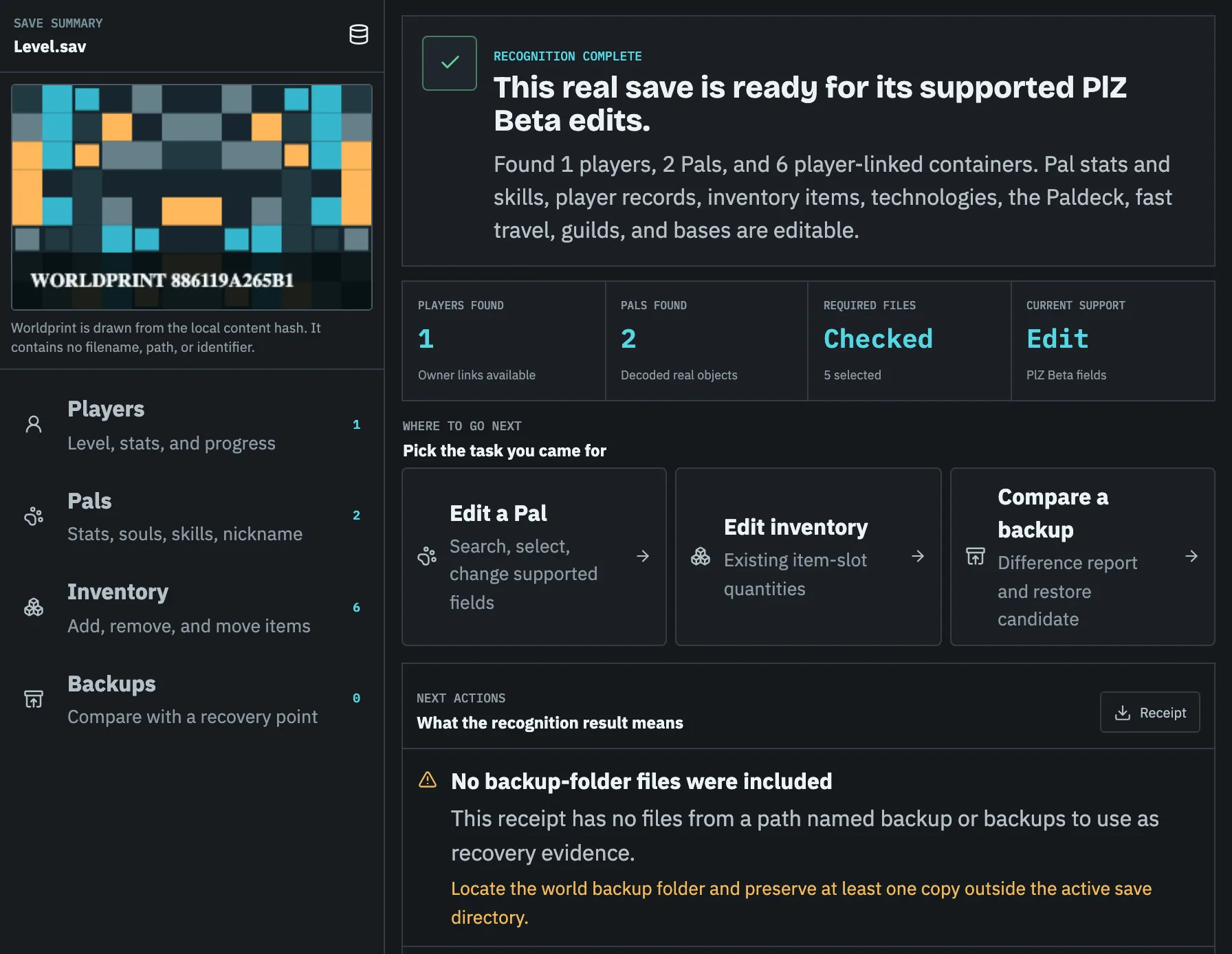
A local scan should identify file roles, count player-file candidates by path, detect common PlZ, PlM, CNK, or GVAS signatures, flag missing companions, and create a stable receipt. This is more reliable than trusting a folder name or timestamp alone.
Drag the copied folder files or ZIP into Pal Save Editor. The static site performs hashing and file inspection in the browser and returns a read-only capability when the format cannot be safely rebuilt.
Task checklist
- 01Stop the game or server.
- 02Copy the full candidate folder before inspecting.
- 03Confirm Level.sav and Players are from the same WorldID.
- 04Use modification time as a clue, not the only proof.
- 05Keep the path and receipt with your backup notes.
Questions people ask before touching the save
Why are there several WorldID folders?
Each local or multiplayer world can have a separate identifier. Match timestamp, player files, and in-game details before editing.
Why can I not find Level.sav in Game Pass?
Game Pass uses the WGS container layout with opaque filenames. Back up the entire WGS directory and use a compatible scanner.
Where is the Palworld save on Steam Deck?
The Windows save path usually sits inside Proton app ID `1623730`, under `compatdata/1623730/pfx/drive_c/users/steamuser/AppData/Local/Pal/Saved/SaveGames/`. Steam library locations can vary.
Where is the save on a hosted Palworld server?
Look for the host's mapping of `Pal/Saved/SaveGames/0/`. The control panel, SFTP root, Docker volume, or support documentation may expose a different host-side path.